Is it really DUPR-sanctioned?
Yes. DUPR is now the official rating system of USA Pickleball, and PlanMyPickle is a DUPR partner — run DUPR-sanctioned events and submit completed results so ratings stay current. Or keep it casual. Your call, per tournament.
I already have my sign-ups on a clipboard / in a spreadsheet. Do I have to retype them?
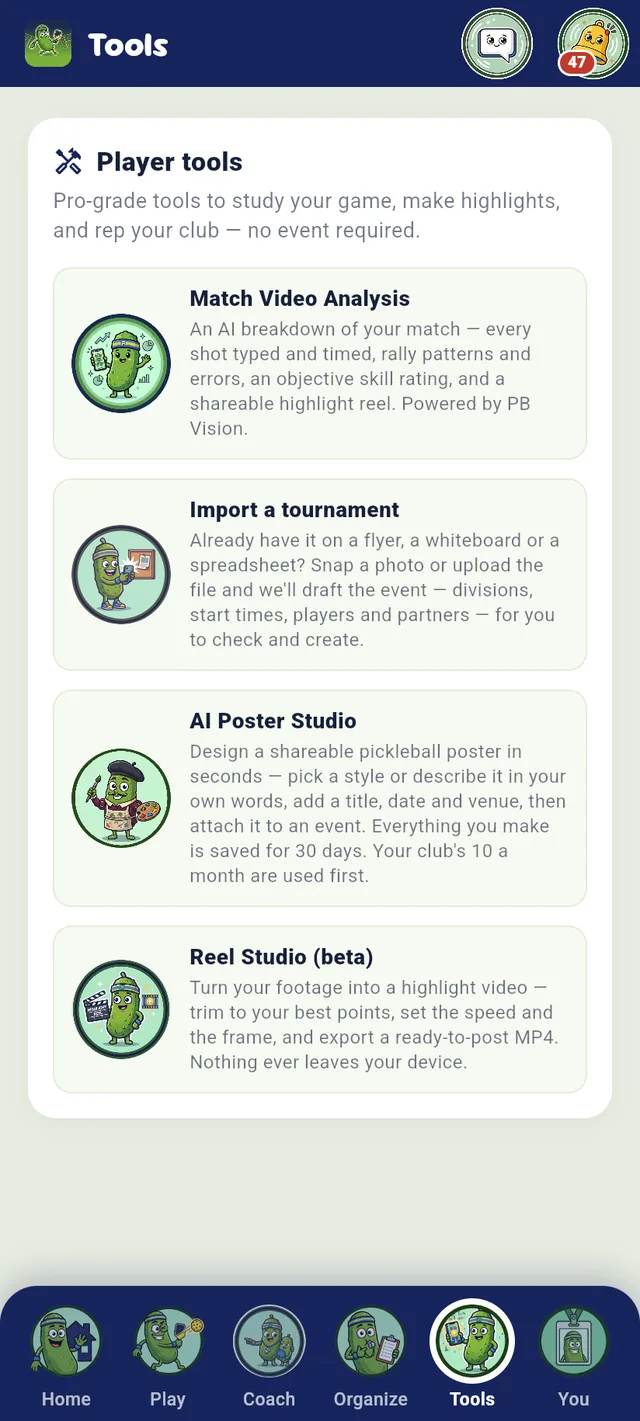
No. Take a photo of each page (or upload the .csv, .xlsx or Google Form export) and the app drafts the tournament for you — divisions, start times, rating bands, players and partners. You review the draft, fix anything the reader wasn’t sure about, and tap Create. Handwriting varies, so the review is the point: every row is yours to check before anything is saved. Included on every plan.
Can I run multiple skill brackets at once?
Yep. Create brackets like 3.0–3.5 and 3.5–4.0 — each is scheduled and ranked independently within the same event.
What formats are supported?
Round robin, single and double elimination, round-robin pools that feed a playoff, MLP-style team events, leagues and ladders, plus compass draws on a club’s events.
How do players check in?
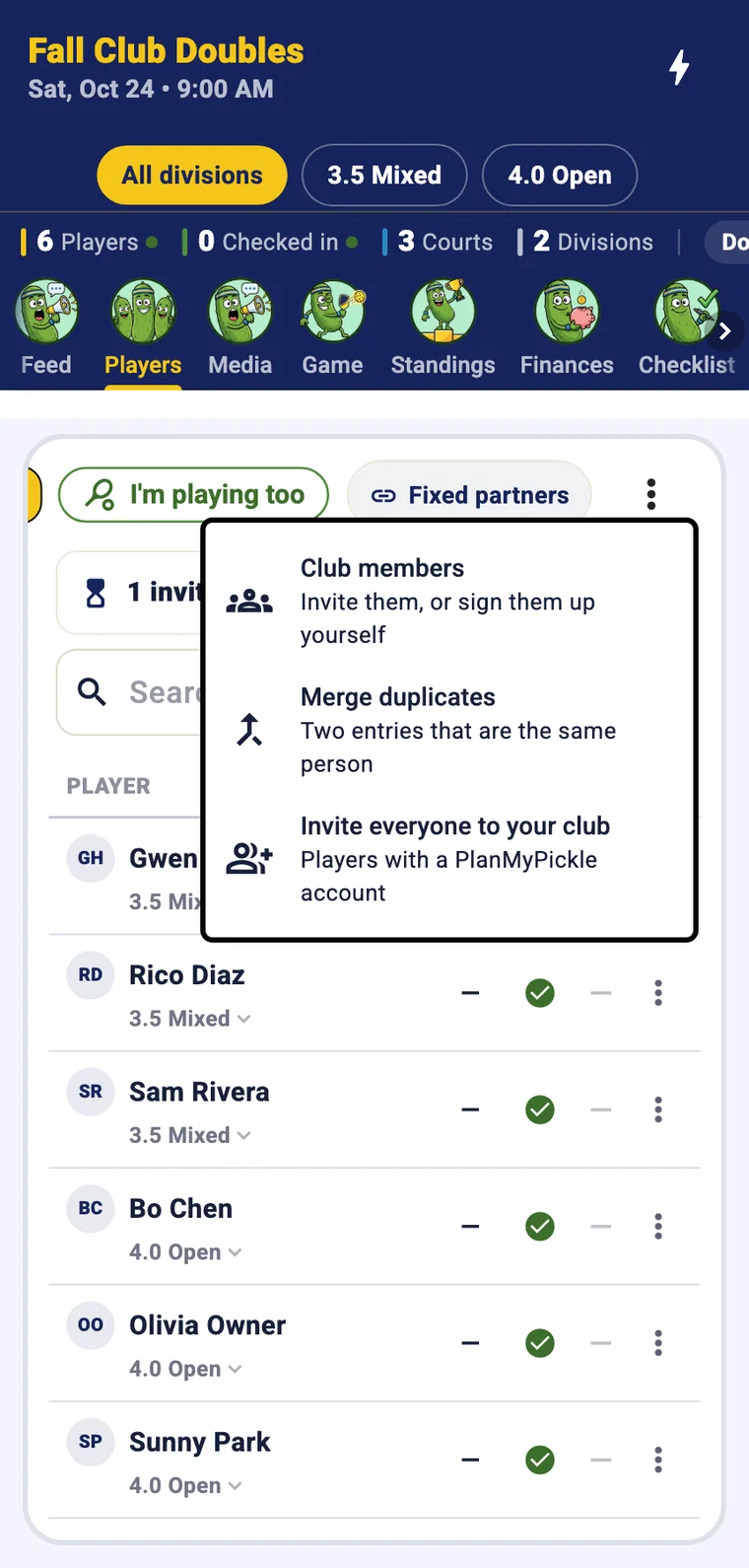
They scan a QR code on game day. No clipboard, no line.
What’s it cost?
Running a tournament is free: every format, scheduling, registration, live scoring, DUPR-sanctioned rated play and the venue TV board. On paid entries, players pay the entry and Stripe’s card processing. An event you run on your own carries no PlanMyPickle fee; once billing turns on, entries to a club’s events also carry a 2% PlanMyPickle service fee, as its own line, and the club still receives the full entry. Club ($69/mo) covers a whole club rather than one organizer: your branding on the TV board, a sponsor logo, scoreboard styling, the broadcast overlay and the crew on every event your club runs, co-owners’ events too, plus the full league season archive, 10 AI posters a month for the club, 500 texts a month to members who said yes to texts (a long text can count as 2–3) and email campaigns to the members you pick, 5,000 emails a month. Club+ ($159/mo) is everything in Club plus court booking, memberships with tiers and a waitlist, open play with check-in and the front desk, a courts TV, a public booking page, a pro shop, and more than one location set up with us. Pay yearly and save 15%: Club is $703.80/yr ($58.65/mo), Club+ is $1,621.80/yr ($135.15/mo). Both start with 3 months free. Coaching is free for your first 3 students; a club you teach at covers you beyond that. Right now PlanMyPickle charges nothing: no plan is billed and there is no service fee. The only paid things are optional extras you choose, like PB Vision match analysis and AI images after your first two. No per-booking fee: PlanMyPickle takes nothing from your court bookings, memberships, open play or shop sales; only Stripe’s card processing applies. Running a club stays free: the all-time leaderboard, standings and history, roster, schedule, attendance, announcements, dues, co-owners, your public club page, member invites, new-event pushes, DUPR club tools (Bring my club from DUPR too), the club dashboard and e-signed waivers cost nothing on any plan. And everything your club built during early access stays free, forever, whether you upgrade or not. See the pricing section.
What’s the difference between Club and Club+?
Club runs your club’s events and keeps members in the loop; Club+ runs your courts as well. Club ($69/mo) puts your branding, the overlay and the crew on every event your club runs and adds the full league season archive, 10 AI posters a month, 500 texts a month to members who said yes to texts and email campaigns to the members you pick. Club+ ($159/mo) is everything in Club plus court booking (prices and prime-time bands, split pay, closures, standing bookings, packages, promo codes, receipts and the court-use report), memberships with tiers and a waitlist, open play with check-in and no-shows, the front desk, a courts TV, a public booking page, rules for your coaches (a court fee billed monthly, a member price for classes, your OK on new classes), a pro shop and rentals, and more than one location set up with us. Play on someone else’s courts? Club is enough. Run your own? Club+. Switch any time from your account.
Can we set rules for the coaches who teach at our club?
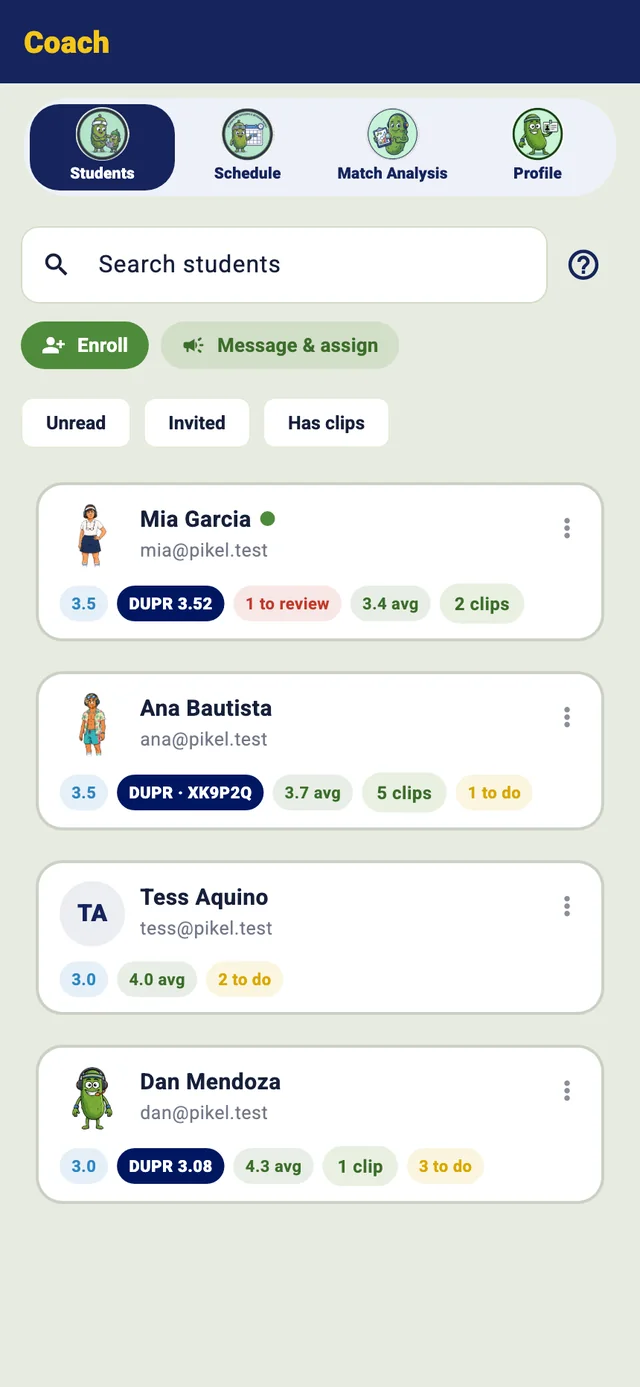
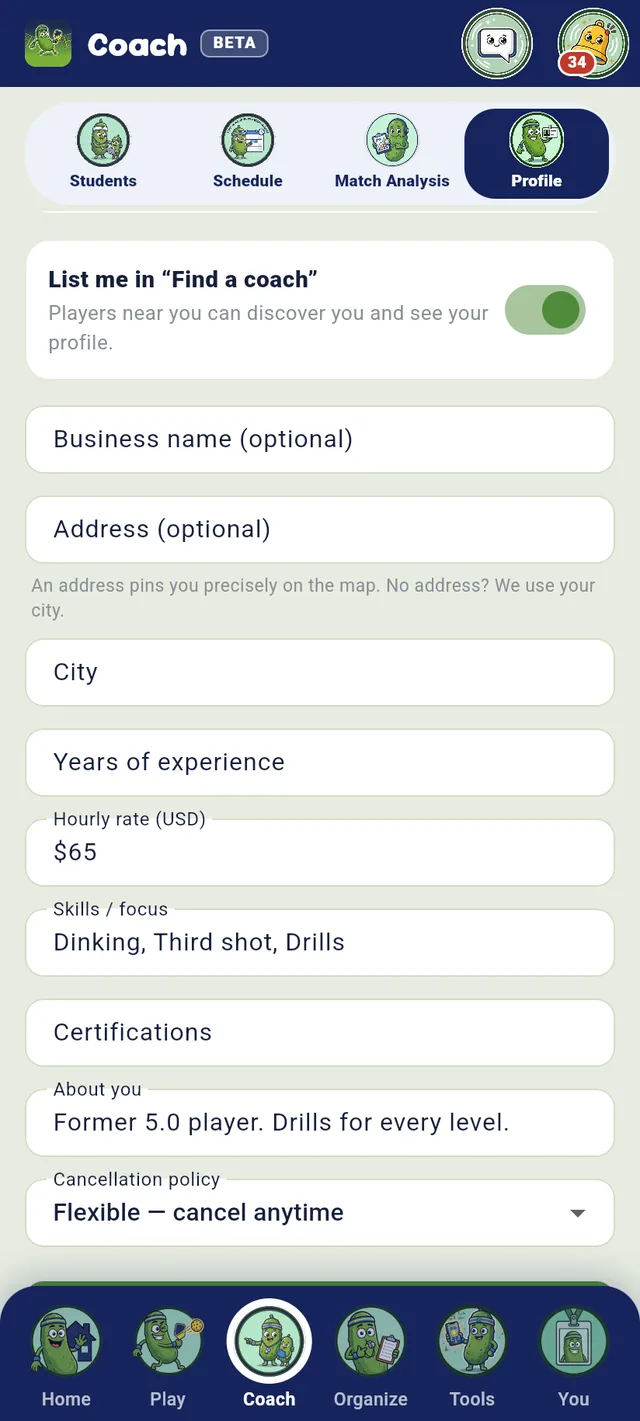
Yes, on Club+. You decide three things: a court fee for coaching (so much per court, per hour of class or lesson time on your courts, billed to each coach on your own invoice at the start of every month, with a Pay link); a member price for classes (members get 5–30% off any class at your club when they sign up); and whether a coach’s new class, lesson or open lesson time needs your OK first (its court is held as Pending and nobody can sign up until you OK it). Your coaches are told whenever the rules change.
How does the free trial work?
Right now there is nothing to start: during early access Club and Club+ are on for every club and PlanMyPickle charges nothing. Once billing turns on, Club and Club+ start with 3 months free, one trial per owner account. You add a card at checkout and pay $0 that day. Cancel any time in the 3 months and you pay nothing; we email you 3 days before the trial ends so it never sneaks up on you. After that it’s the plan’s price, monthly or yearly (15% off yearly). Upgrade, downgrade or cancel any time from your account.
Do you support team (MLP) events?
Yes — Major-League-style team play with Women’s, Men’s and two Mixed lines, a DreamBreaker singles tiebreaker at 2–2, team standings, and a team playoff that crowns a champion on the live board.
Is there a live scoreboard for a venue TV?
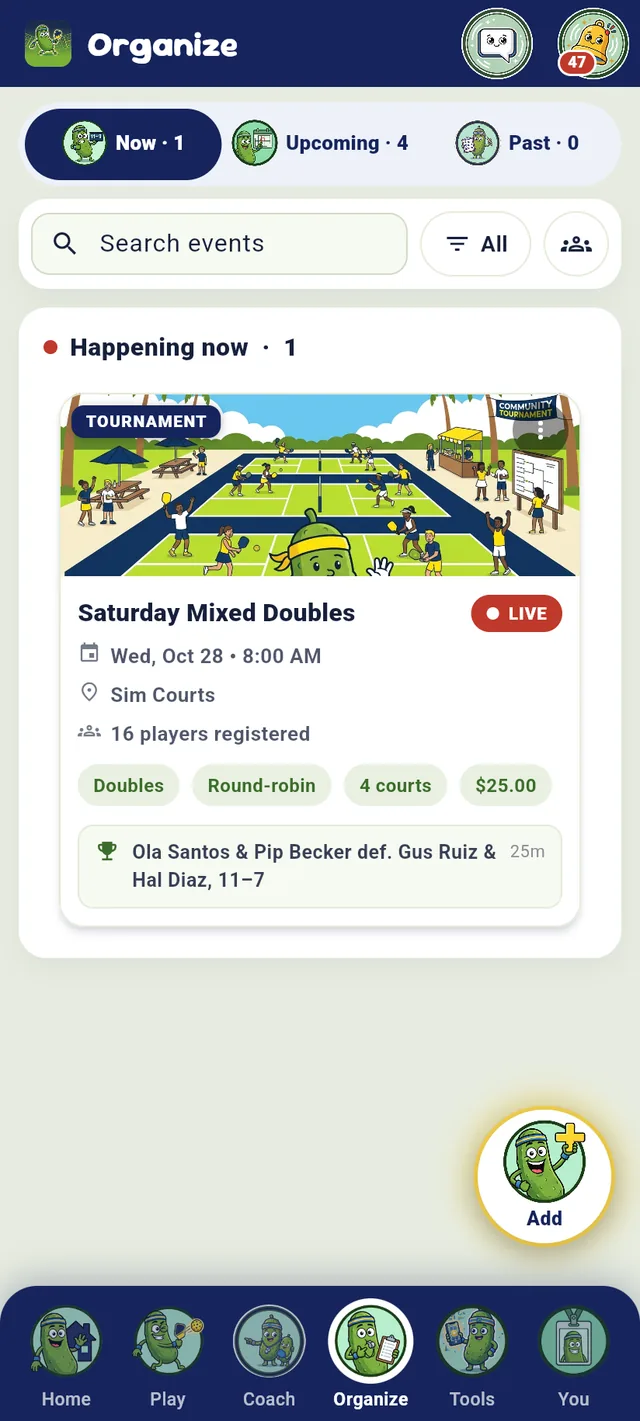
Yes. A full-screen, read-only board shows the leaderboard, the match on each court, what’s up next, and the champion — and it refreshes on its own. A club on the Club plan brands it with its colors, font and a sponsor watermark.
Can I collect entry fees online?
Yes — set a registration fee and players pay as they sign up. You receive the full entry fee: the card processing fee is added at checkout for the player, and once billing turns on, entries to a club’s events also carry a 2% PlanMyPickle service fee on top, as its own line (none during early access). An event you run on your own carries no PlanMyPickle fee.
Can clubs and coaches take payments too?
Yes. Connect payouts once with Stripe in the app and the money goes straight to your own Stripe account (a US bank account, for now). Clubs take dues on every plan, and on Club+ court time (with split pay), open-play spots, membership tiers billed monthly or yearly, packages and pro-shop sales, all paid to the club owner’s account. Coaches, independent or teaching at a club, sell class seats and lesson packs paid to their own account; a club’s member price for classes applies at that club. PlanMyPickle takes nothing from any of it; card processing is its own line at checkout (on monthly or yearly memberships, Stripe’s fee comes out of each payment instead). How you get paid
Can I make a poster for my event?
Yes — the Poster Studio makes one in about a minute. Pick what it’s for, tap in the date, time and place, add prizes, levels or a cause, choose a look and a theme (or describe your own), drop in your logos and it comes back sized for Instagram, Stories or print with a Scan me QR card that opens sign-up. Attach it to the event so it shows on the public page, or download it to post anywhere. During early access every account gets 2 free images (posters and shirt designs together); after that, packs are $2.99 for 5. Once billing turns on, Club and Club+ include 10 a month for the club, shared by its staff. Posters are kept for 30 days unless you attach one to an event.
We already use CourtReserve for bookings — do we have to switch?
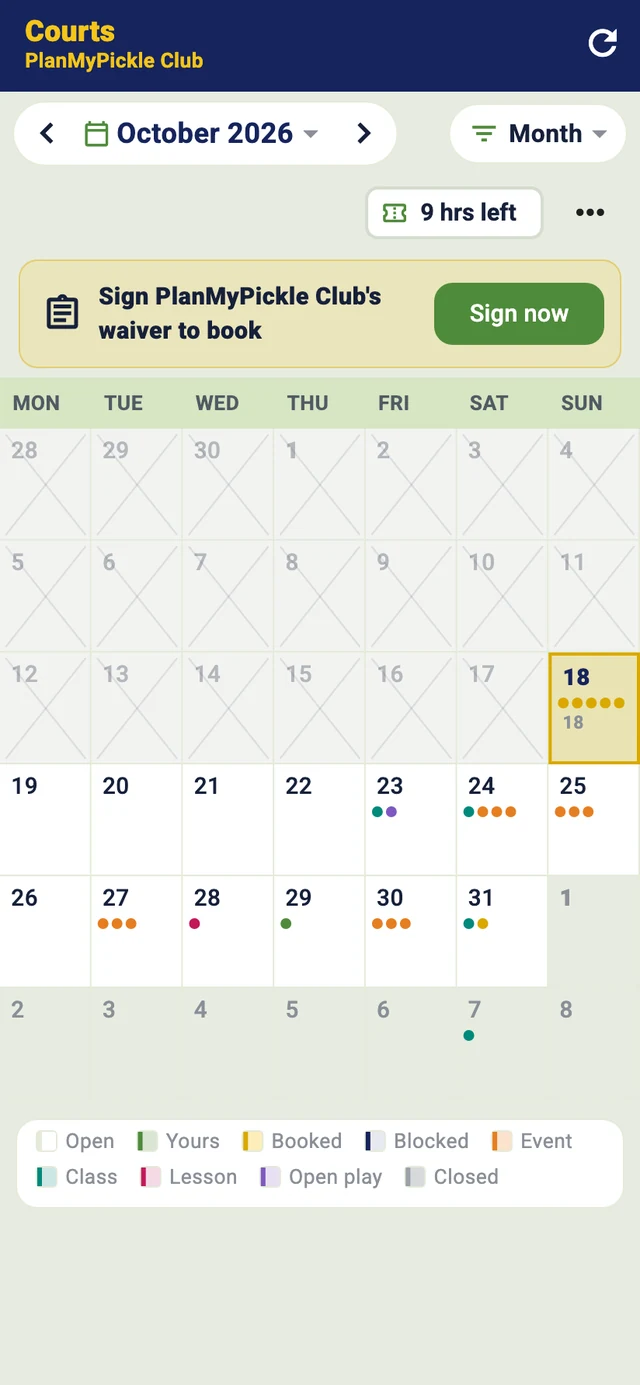
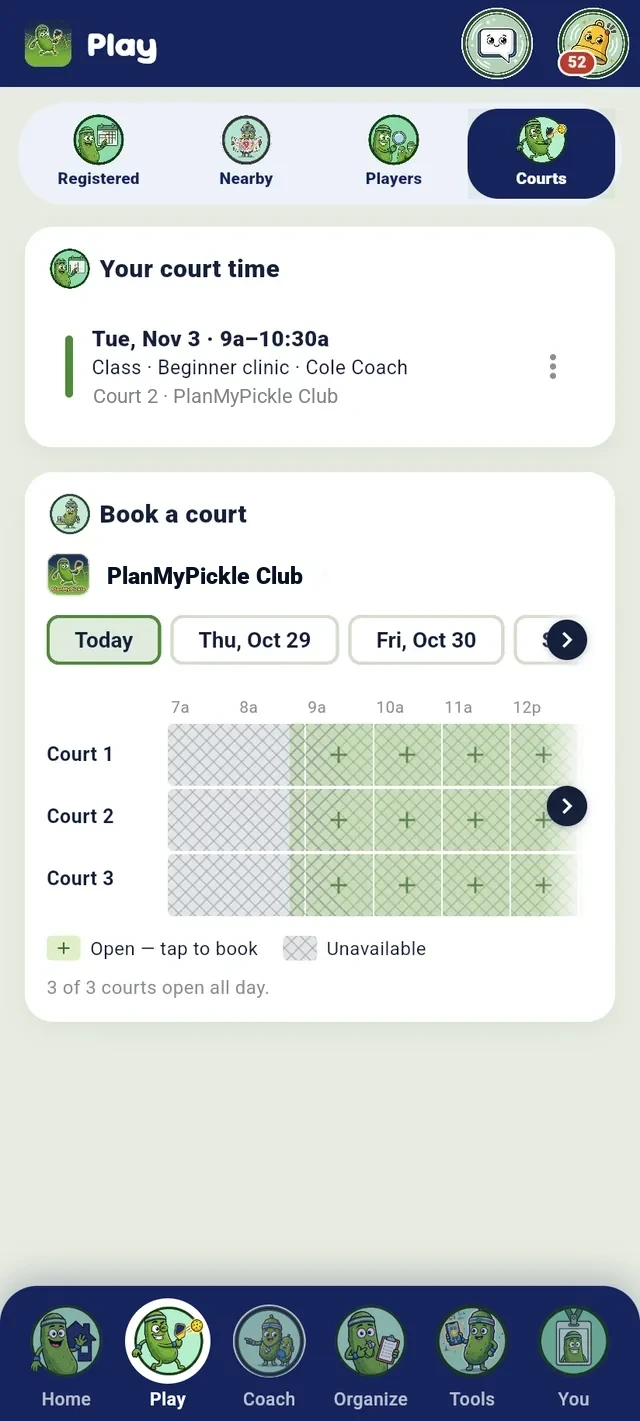
No. Keep your booking system and run PlanMyPickle beside it for the event layer: tournaments, leagues, brackets, live scoring, and DUPR submission. Or, on Club+, book courts here too — prices, split pay, memberships, packages, open play and a front desk.
What does PlanMyPickle do for a club?
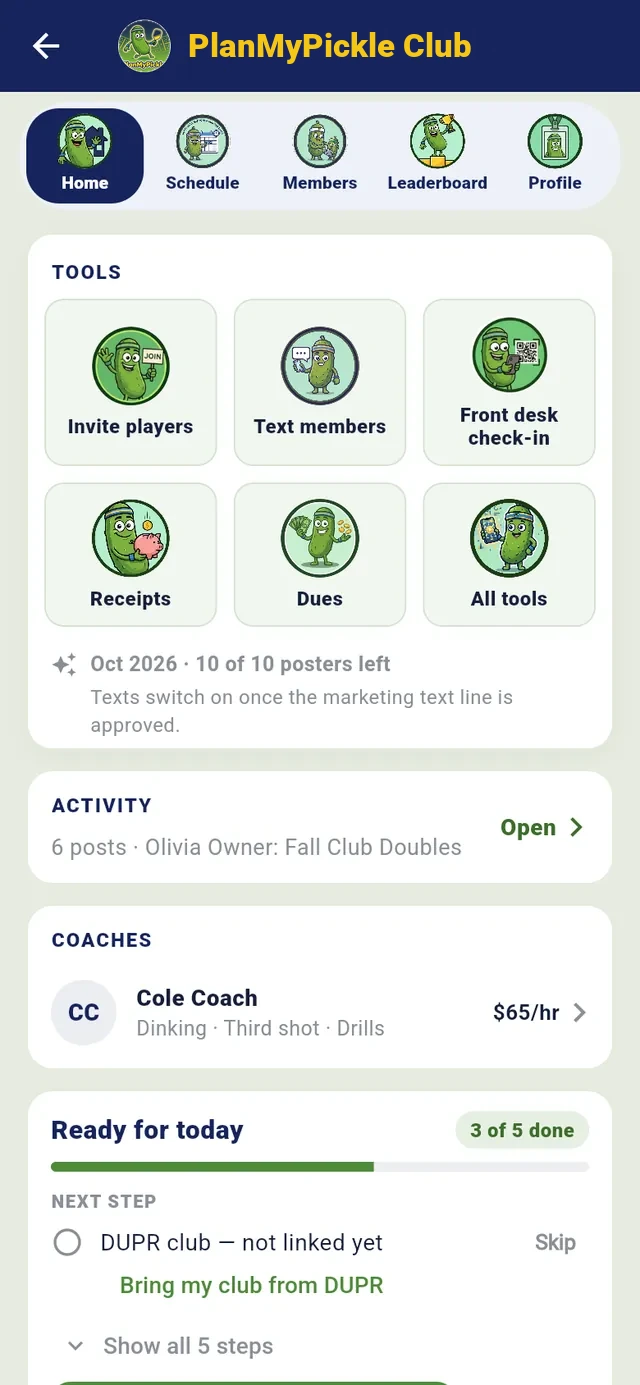
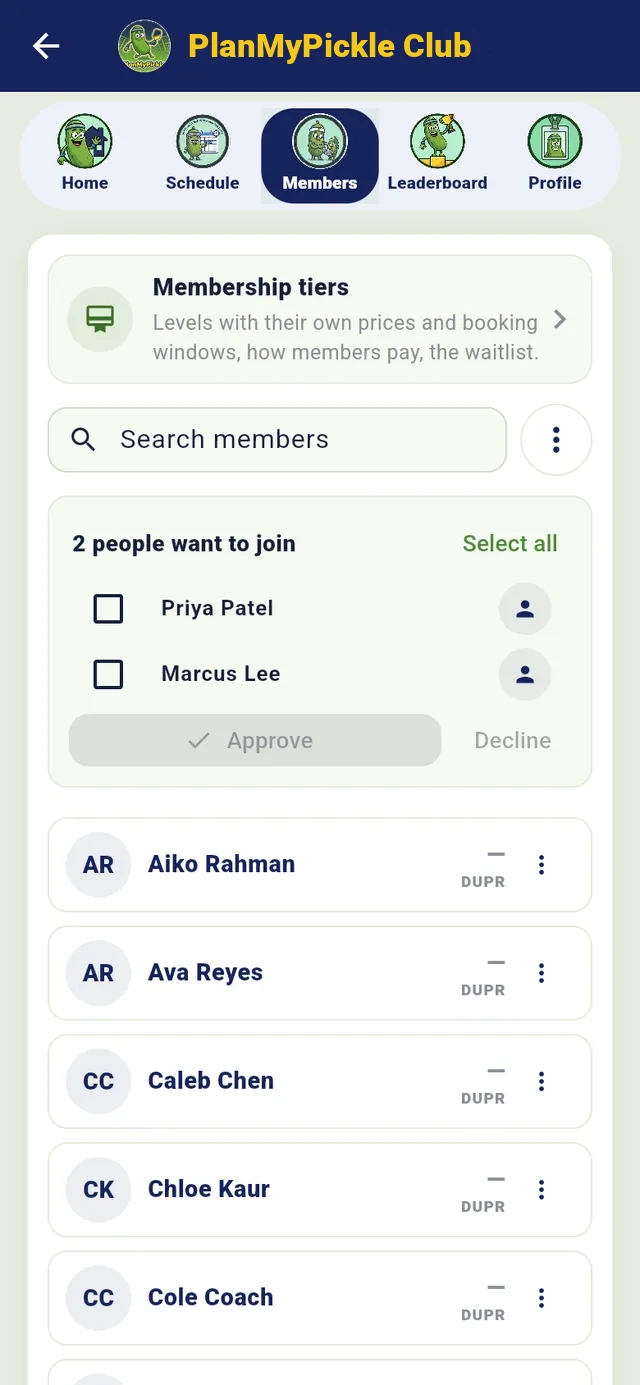
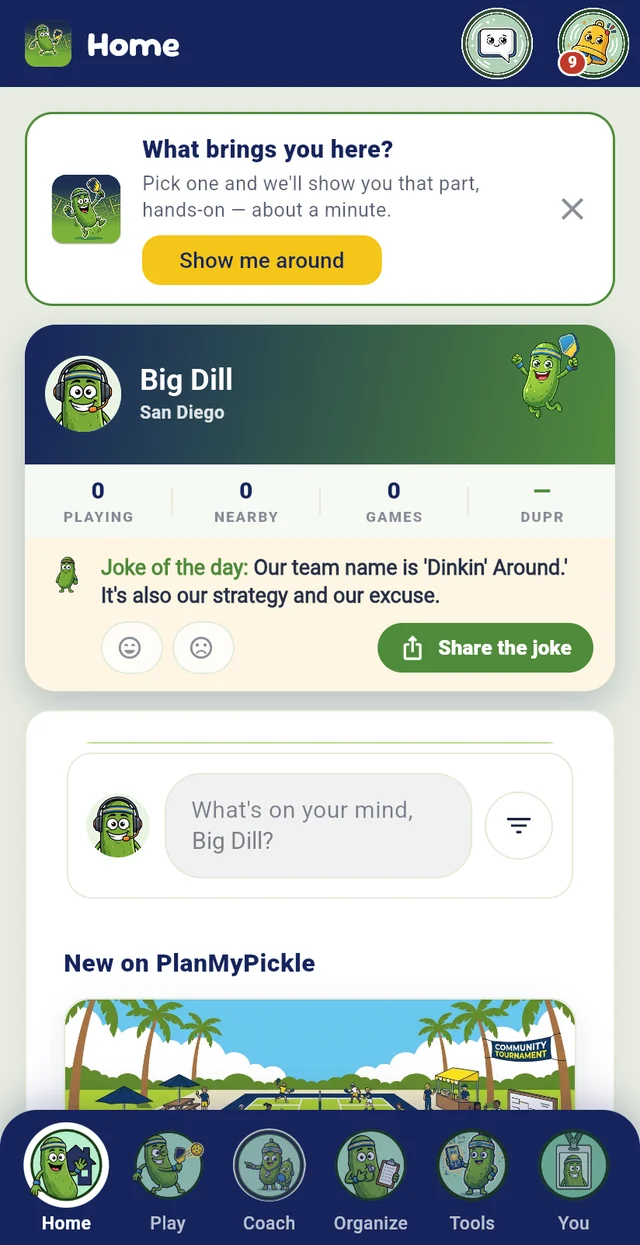
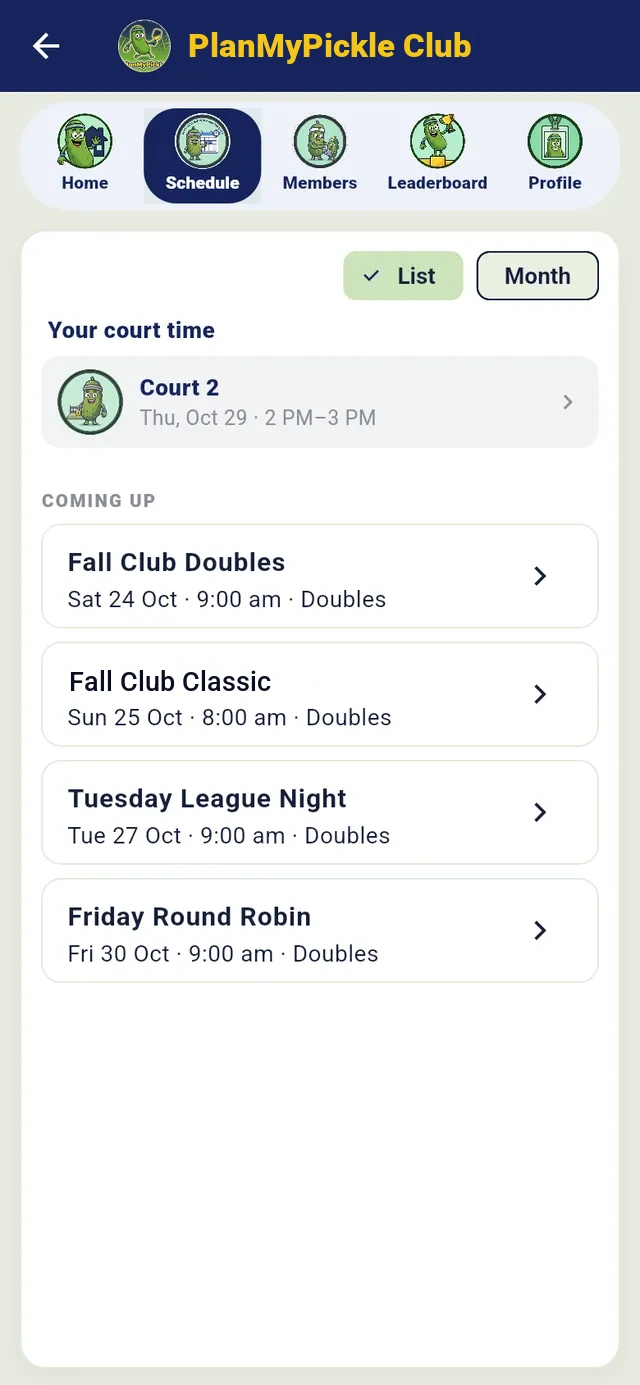
It replaces the spreadsheets, group texts and hand-typed DUPR results with one place. Invite members to an event in a tap (everyone, or people you pick); every member gets a push when you post a new club event; on Club, text members who said yes to texts and send email campaigns to the members you pick; Bring my club from DUPR and run DUPR events that count for your DUPR club; and on Club+, check people in to open play, mark no-shows, refund a membership from its receipt, let a full membership tier keep its own waitlist, put every court’s now and next on a TV, and bill coaches a court fee each month for the time they teach on your courts. See it all on the club dashboard on the web: members, revenue by source and CSVs (churn and court use come with Club+ memberships and courts). More for clubs
Who can see my club’s members?
Only your club’s staff and the organizers of your club’s recent events (up to 30 days after an event ends). A club’s contacts belong to that club — no other club can see, export or message them. Club texts go only to members who verified their phone and said yes to texts; booking alerts a club turns on (like a court reminder) go to that player’s own phone.





 Free to run
 QR check-in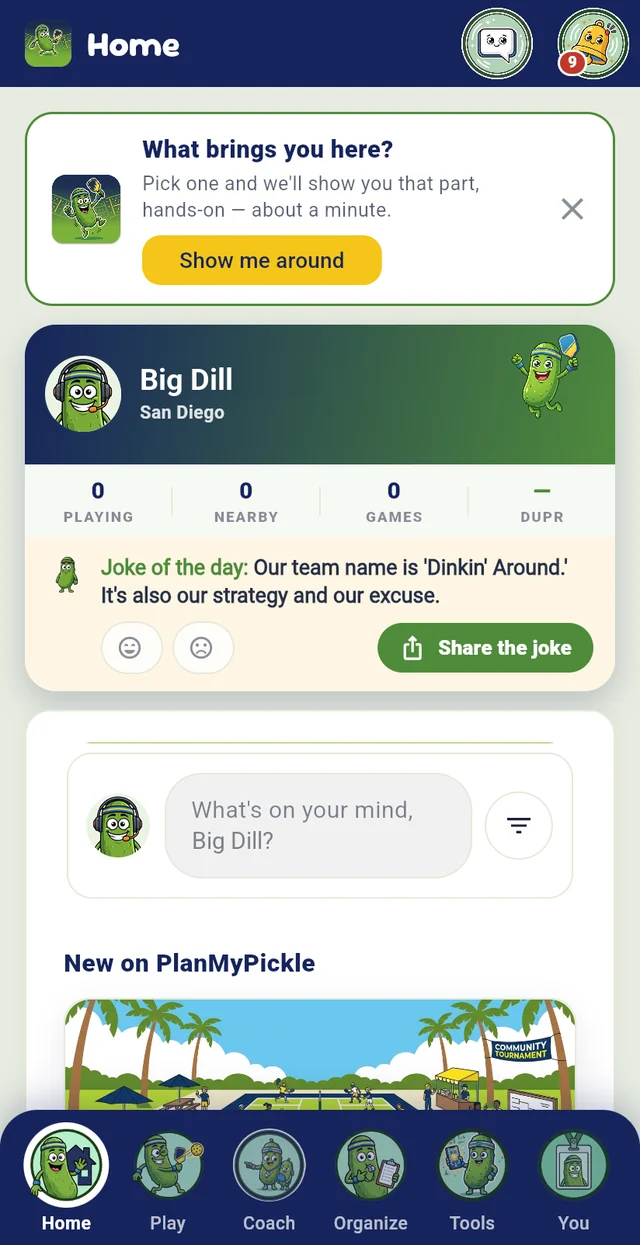

















 Book a call with us